Your Bry3D setupReady
What do you sell?
Pick the closest match.
Question 1 of 6
Rather talk to us straight away? Skip to your details
How should customers put their veranda together?
How should customers put their fence together?
How should customers put their windows and doors together?
How should customers put their carport or garden room together?
What should customers be able to put together?
How should customers put their kitchen or furniture together?
How should customers specify what they order?
How should customers put it together?
Question 2 of 6
Rather talk to us straight away? Skip to your details
How do you make quotes today?
Question 3 of 6
Rather talk to us straight away? Skip to your details
What slows your sales down?
Pick up to three.
Question 4 of 6
Rather talk to us straight away? Skip to your details
How many people sell or make quotes?
Question 5 of 6
Rather talk to us straight away? Skip to your details
When would you like to start?
Question 6 of 6
Rather talk to us straight away? Skip to your details
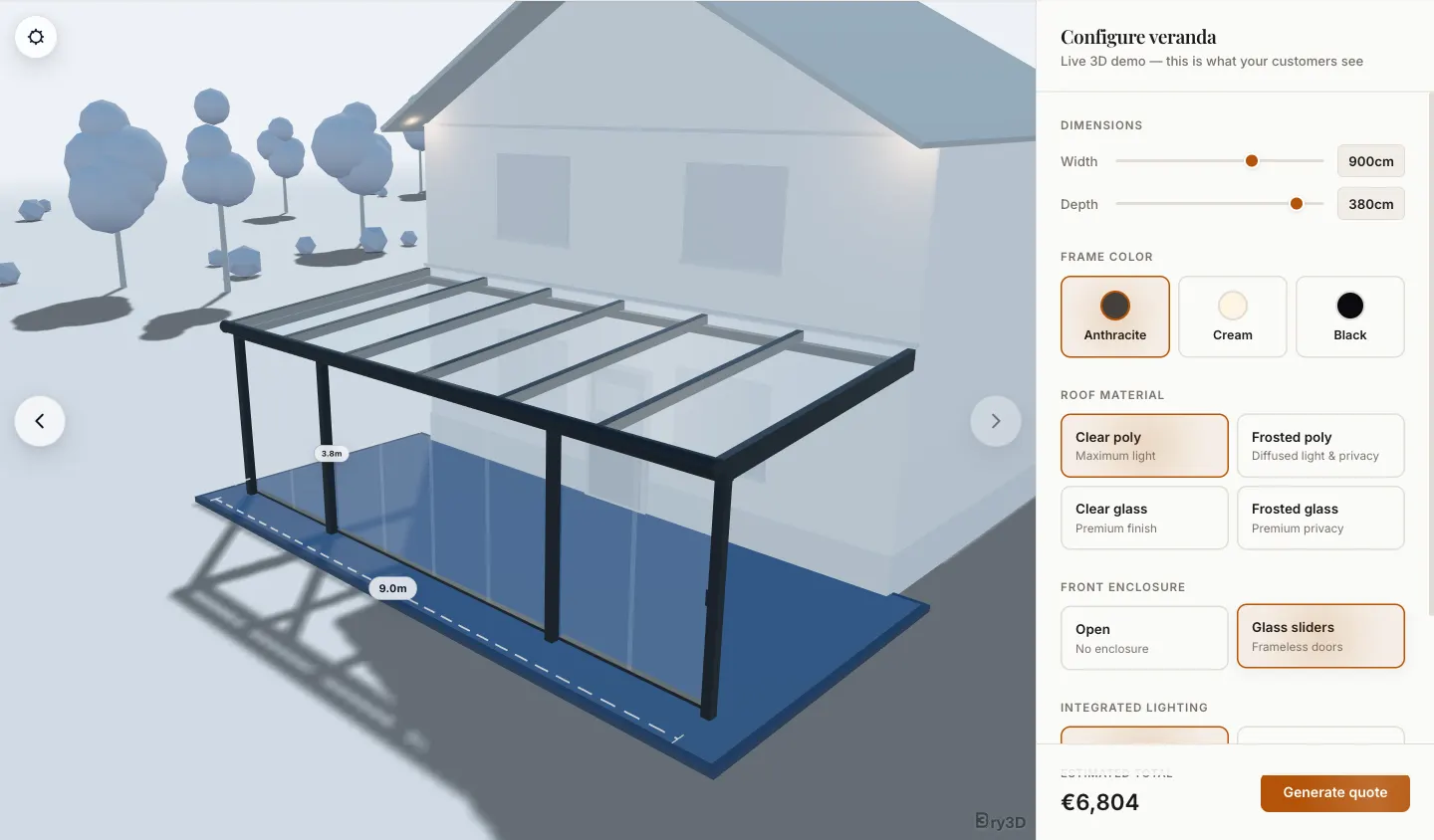
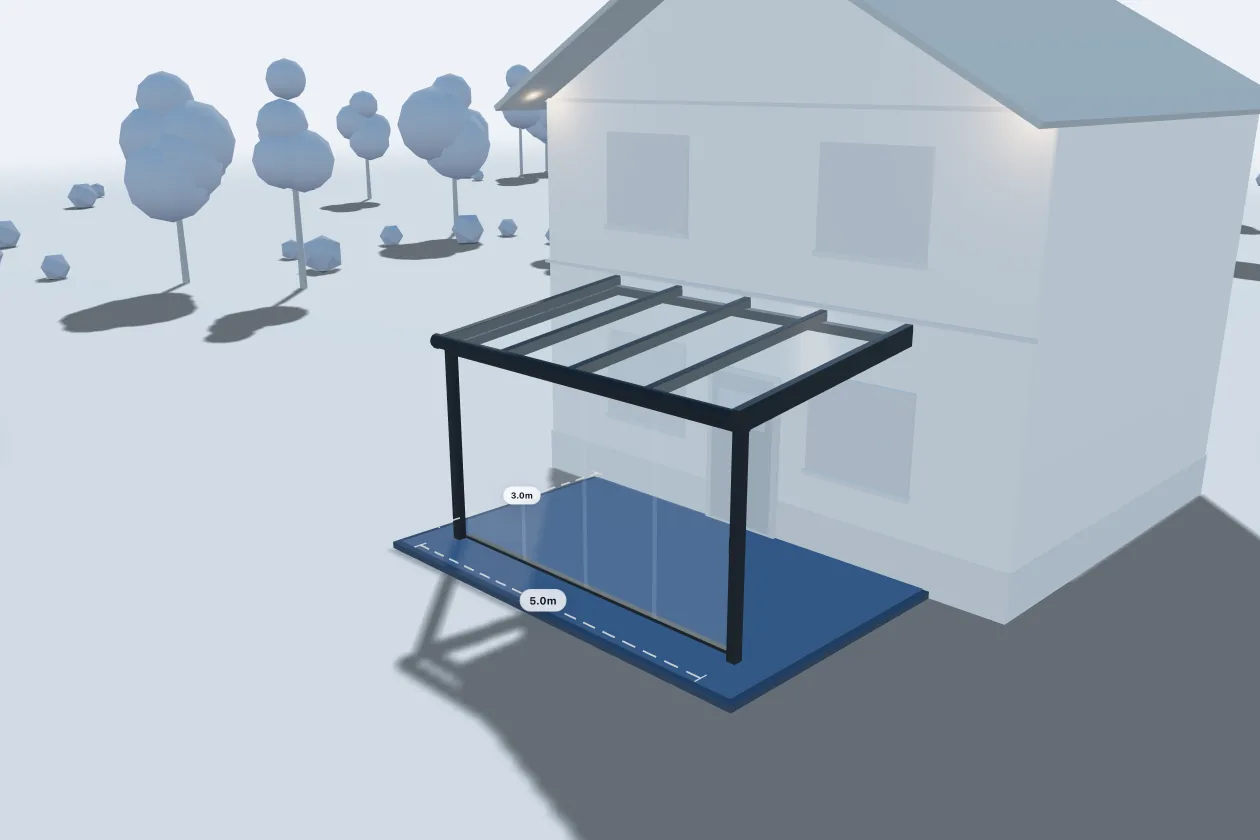
Your customers build their veranda in 3D.
They set the width and depth, pick the frame colour, the roof and the glass walls, and the price changes with every choice. It's the same 3D viewer that runs at VerandaZeker and MataVeranda.
Your customers answer a few questions about their veranda.
Width and depth first, then the roof, the front and the extras. The price builds with every answer, and each answer lands on the lead.
We'll choose the format with you.
Verandas are where Bry3D started, so the 3D configurator is ready to show you. A guided form works too. On the call we'll look at your range and pick what sells it best.
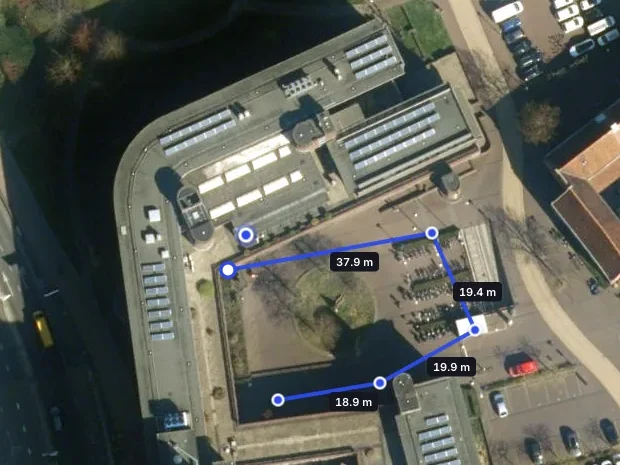
Your customers draw their fence on a map.
They look up their address, trace the fence line along their garden on satellite imagery, and the length prices the fence. Posts, corners and gates are counted for them.
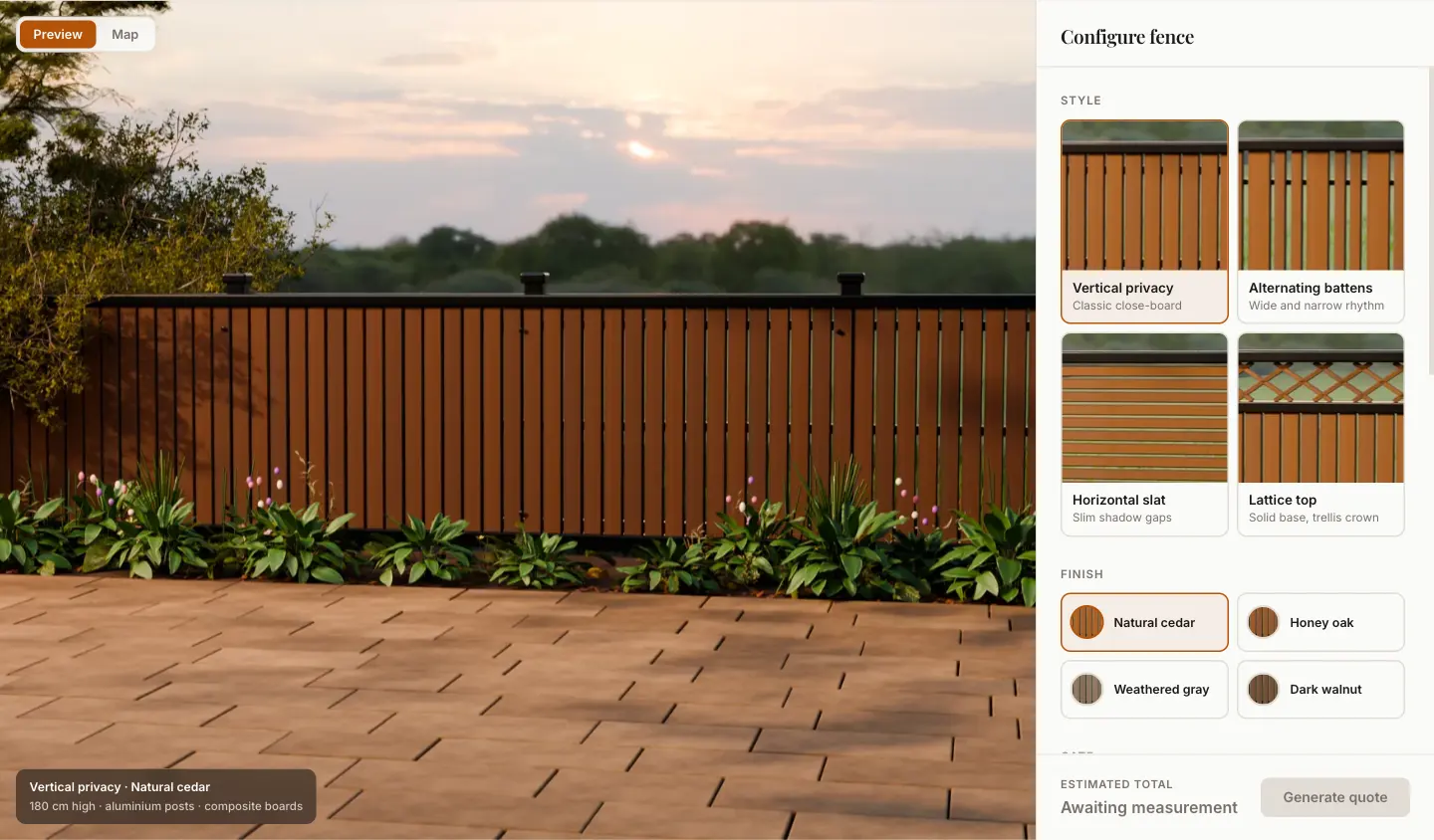
Your customers see the fence before it's built.
They pick the style, the finish and a gate, and a photo-real preview changes with every choice, right next to the price. The length comes from the map or from a number they type in.
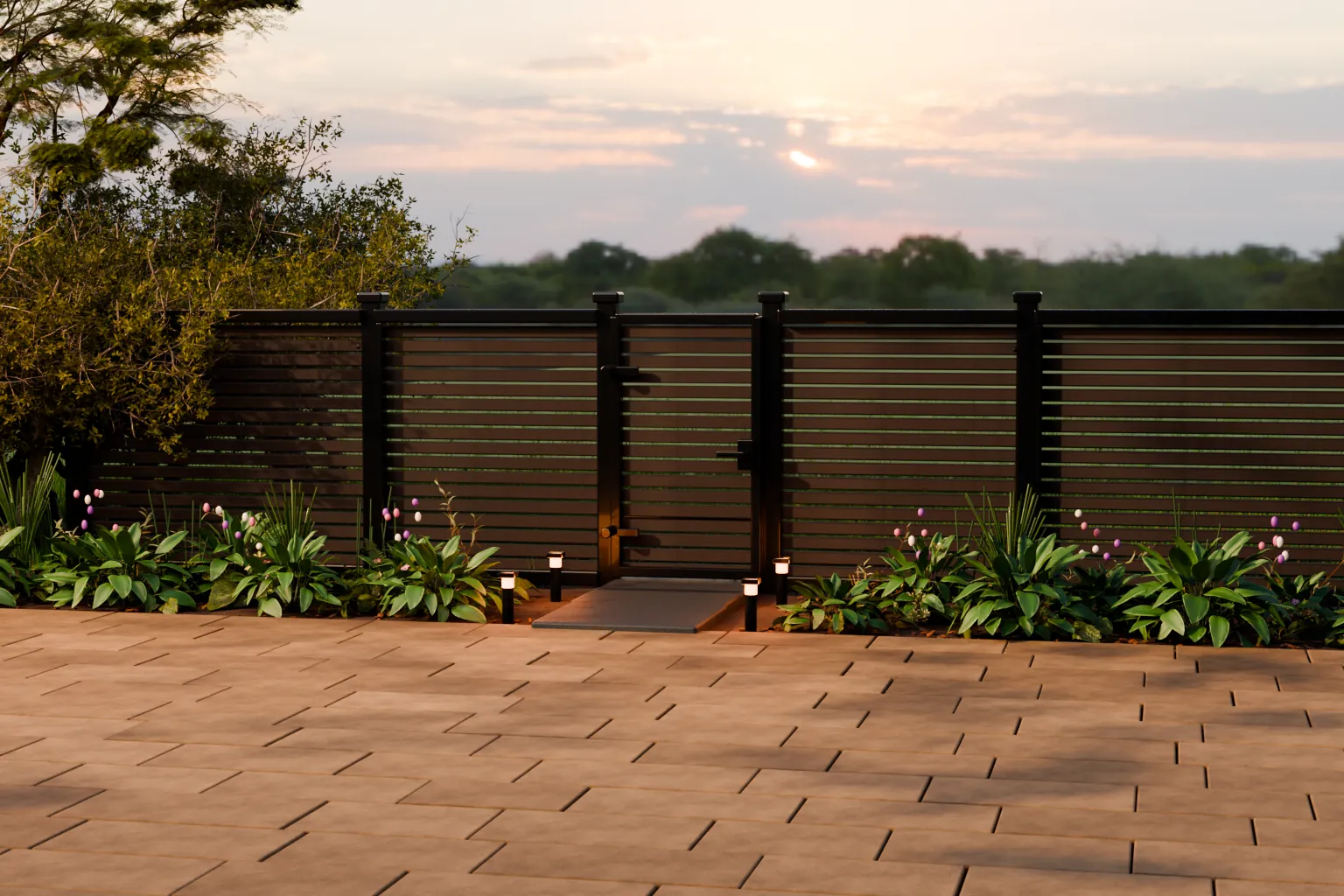
Your customers type the length and pick the options.
No map needed: they enter the metres, choose the style, finish and gate, and the price builds as they go. The fence demo has this built in for addresses the map can't find.
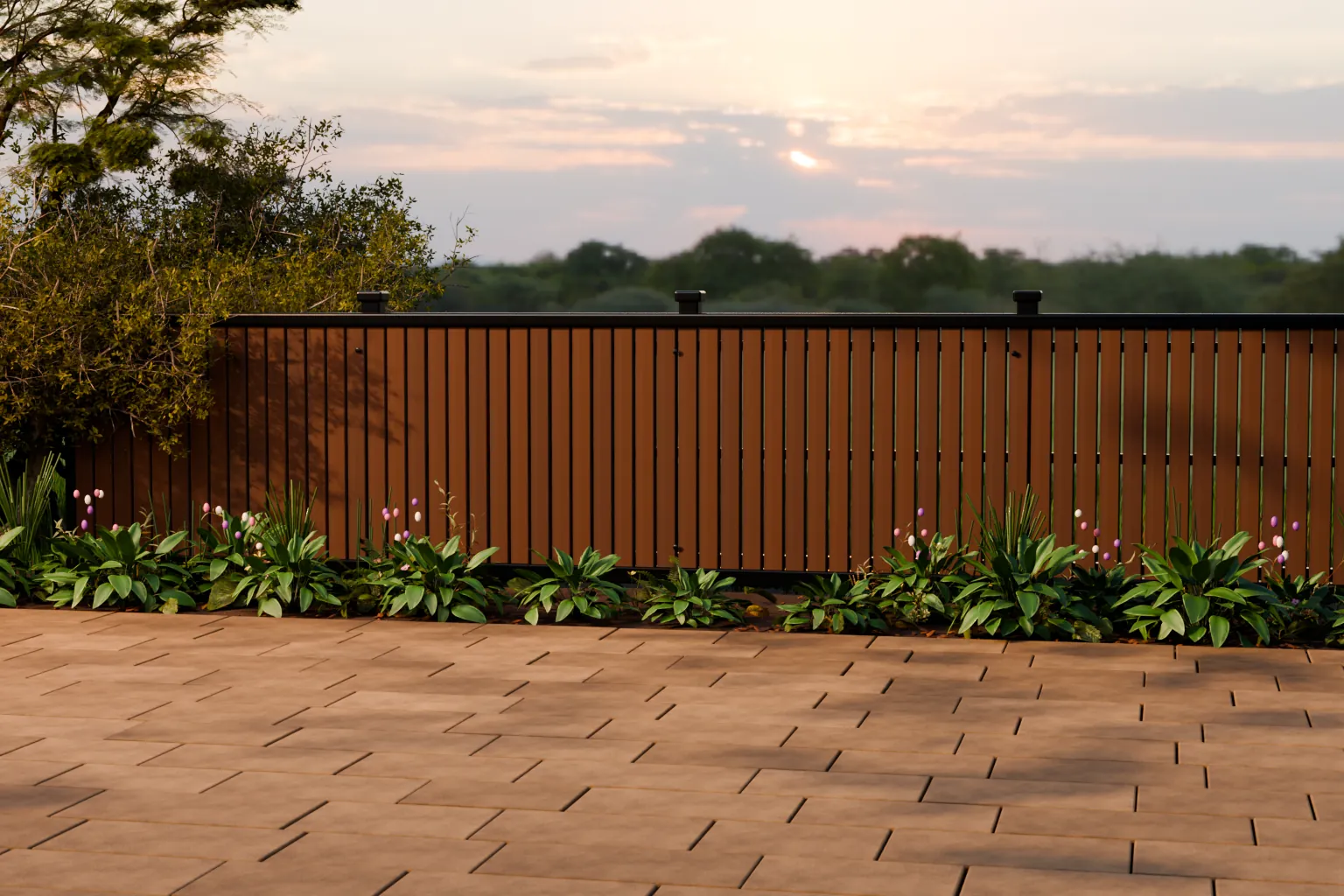
We'll choose the format with you.
The fence configurator already combines a map for the line with previews for the style. On the call we'll look at your range and set it up around it.
Your customers see their window in 3D.
They set the width and height, split it into panes and pick the frame colour, and the window changes as they choose. Glazing and hardware sit alongside, with the price.
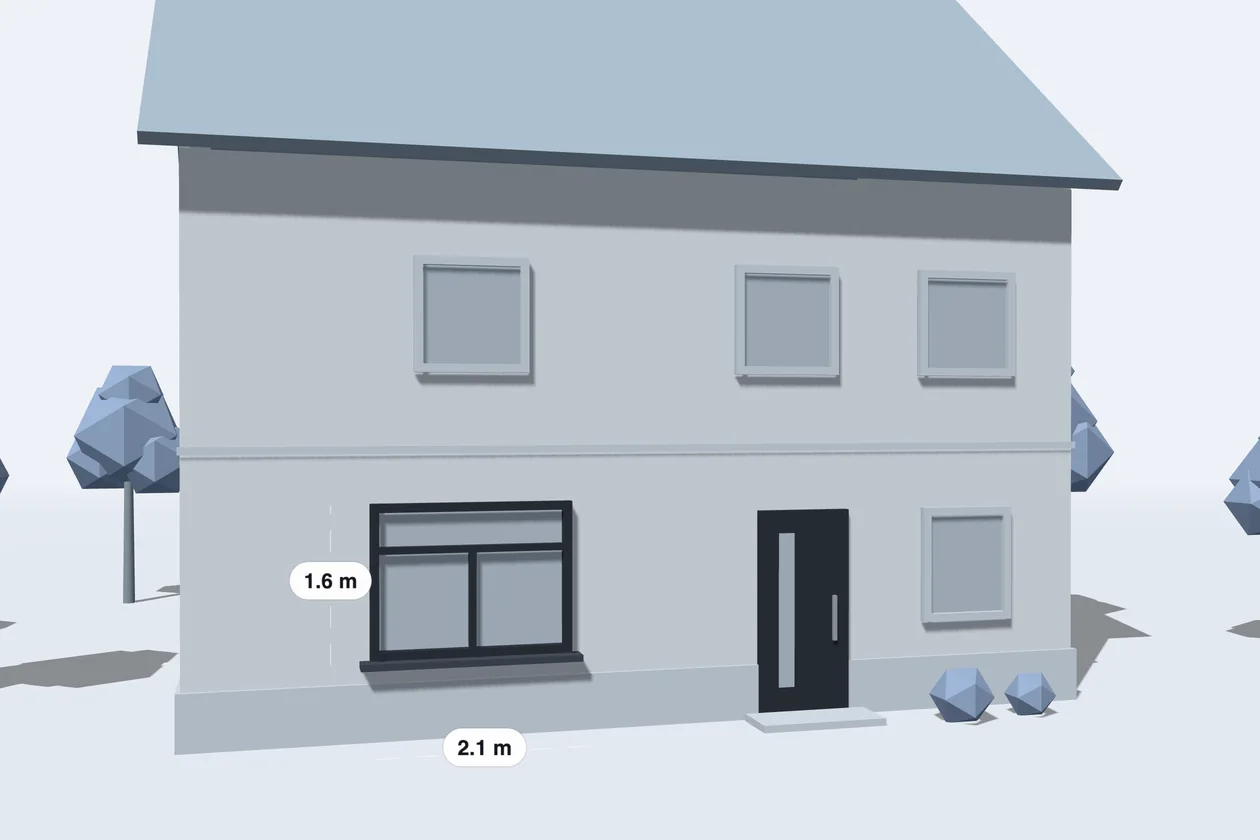
Your customers answer a few questions about the window.
Width and height, frame material, glazing and hardware, one question at a time. Doors work the same way. Every answer lands on the lead, ready for the quote.
We'll choose the format with you.
3D shows a window's divisions and colour; doors and odd sizes often fit a guided form better. On the call we'll look at your range and pick what sells it best.
Your customers build their carport or garden room in 3D.
They set the size, pick the roof, choose open sides, closed walls or a glass front, then the colour, and the price follows every choice. It works like the Bry3D veranda configurator, with your own models and prices.
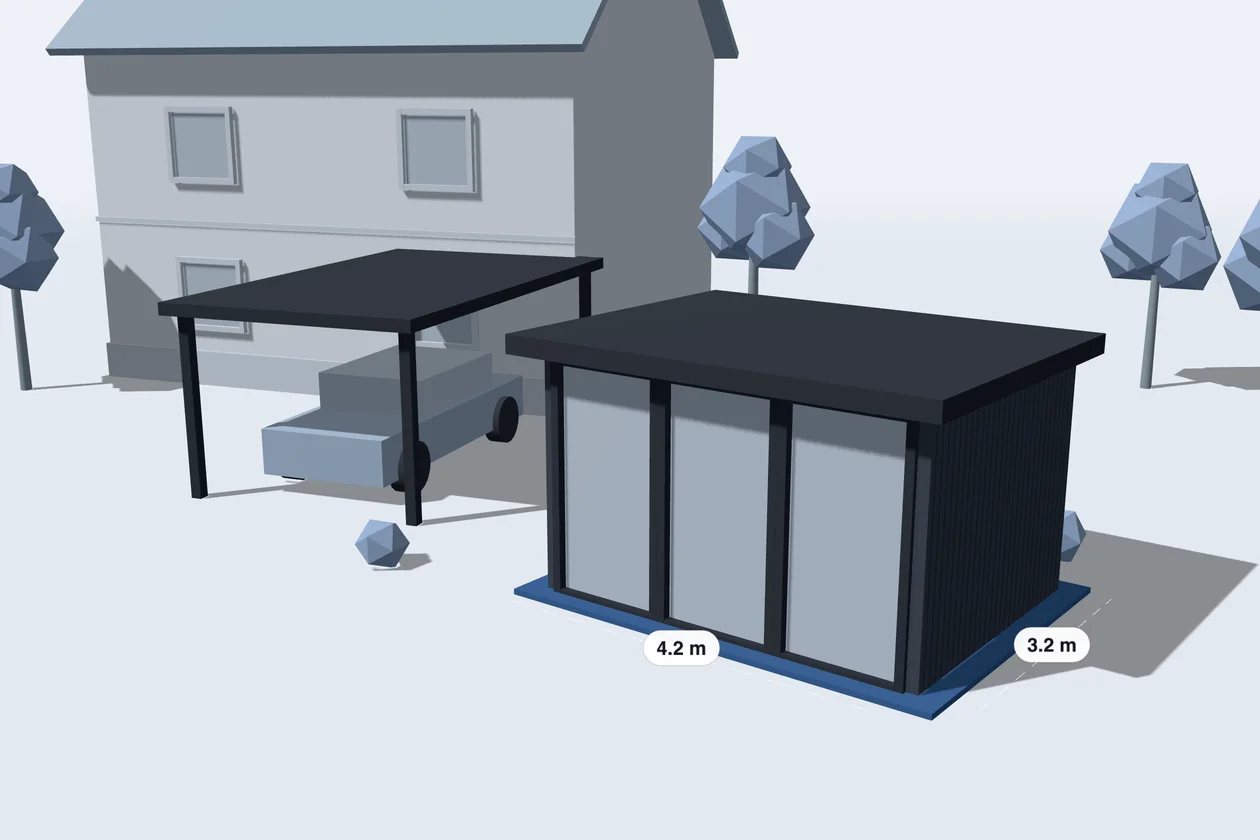
Your customers answer a few questions.
Size first, then the roof, the walls, doors and windows, and extras like lighting or insulation. The price builds with every answer.
We'll choose the format with you.
Carports and garden rooms are sized, roofed and finished much like a veranda, where Bry3D started, so 3D is a natural place to start. On the call we'll look at your range and decide together.
Your customers put their roof together, one question at a time.
Roof size and pitch, the covering, insulation and gutters. Questions that don't apply stay out of the way, and the lead arrives with everything you need to plan the site visit.
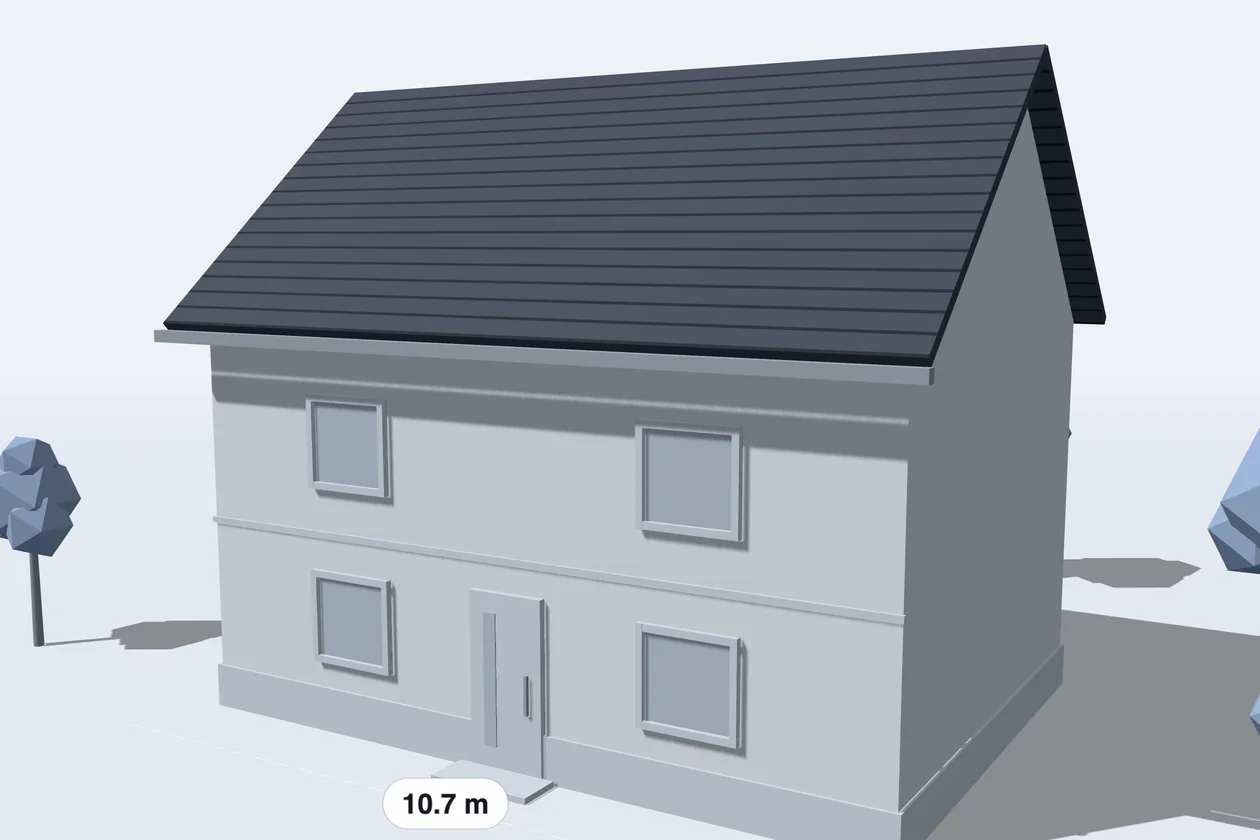
Your customers put their dormer together.
Width, roof shape, cladding and windows, step by step, with the price building as they go. Every choice arrives on the lead, so the site visit starts from what they want.
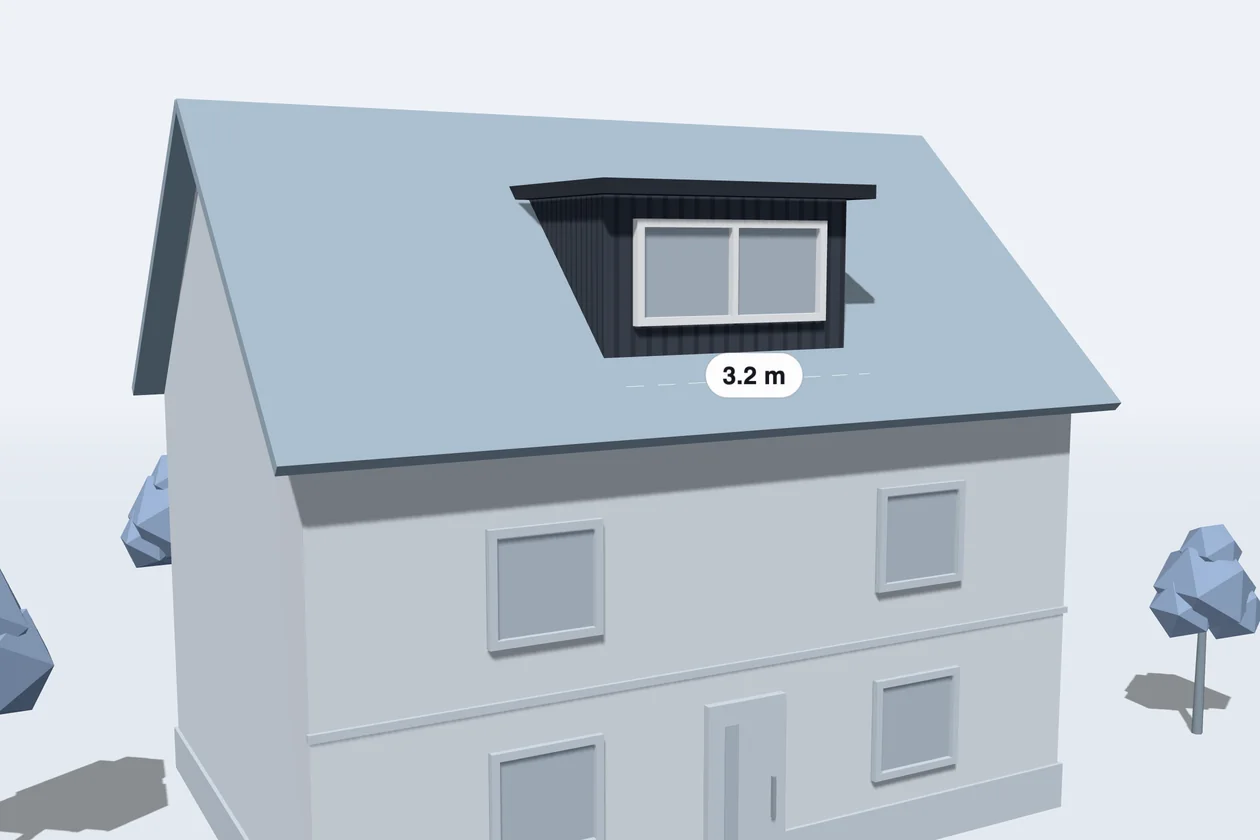
Your customers pick roof or dormer, then answer a few questions.
Each has its own questions: size, covering and insulation for the roof; width, cladding and windows for the dormer. Both land in the same pipeline, with the price attached.
We'll choose the format with you.
Roofs and dormers are priced from sizes and options, which a guided form collects well. On the call we'll look at your range and decide whether a 3D view adds anything.
Your customers design it in 3D.
They set the measurements, pick materials, finishes and handles, and see the piece change as they choose, with the price alongside. It runs on your own models and price list.
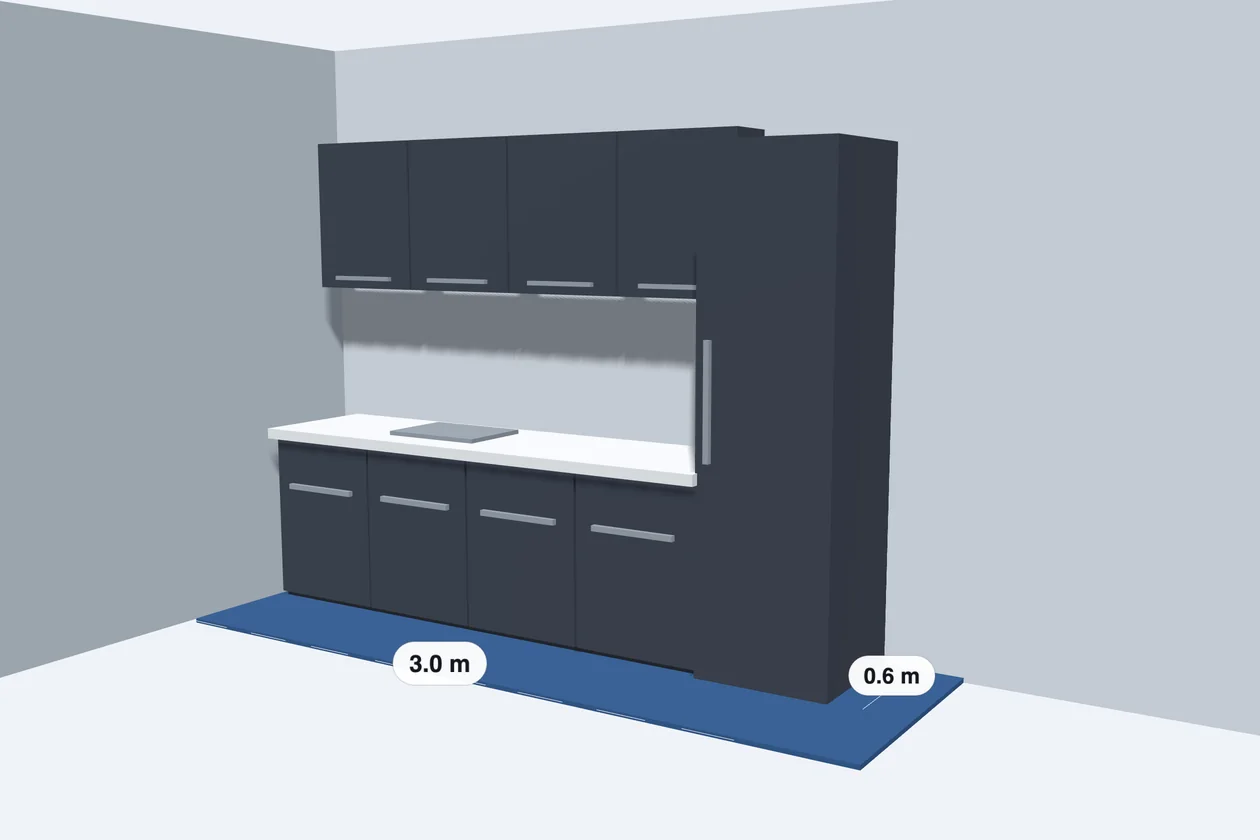
Your customers answer a few questions about what they're ordering.
Measurements first, then fronts, materials and handles. The price builds with every answer, and the lead arrives with the full specification.
We'll choose the format with you.
Made-to-measure pieces work in 3D when the look sells them, and as a guided form when the specification does. On the call we'll look at your range and decide together.
Your customers specify it step by step.
Dimensions, capacity, materials and options, one question at a time, and questions only appear when they apply. Every spec arrives on the lead, with the price.
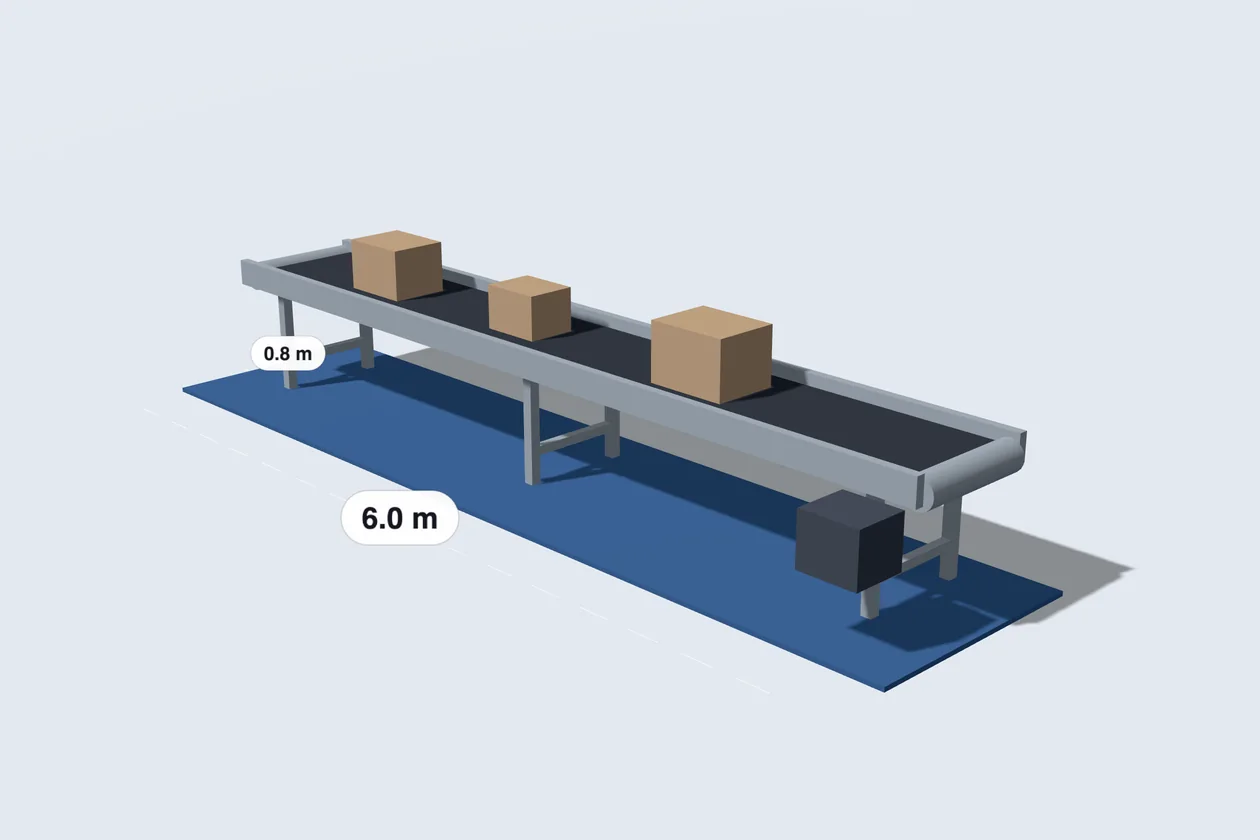
Your customers watch their order take shape in 3D.
Built from your own models, the 3D view changes with every option, next to the price, and the full specification lands with the enquiry. We'll go through your product files with you.
We'll choose the format with you.
Built-to-order products with many specs suit a guided form; 3D earns its place when the shape changes with the options. On the call we'll look at your range and decide together.
Your customers build it in 3D.
They change the shape, colours and materials and watch the price follow. Shown here with a veranda, where Bry3D started; yours runs on your own models and prices.
Your customers draw it on a map.
They look up their address and trace where it goes on satellite imagery, and the length sets the price. Shown here with a fence; yours runs on your own products.
Your customers answer questions about their product, one at a time.
A guided form asks one question at a time, the way this questionnaire does, and the price builds with every answer. Every answer comes with the enquiry.
We'll choose the format with you.
Bry3D runs configurators in 3D, in 2D on a map and as guided forms. On a call we look at your product and pick the one that sells it best.
3D configurator
Customers turn it, change colours and materials and see the price as they go.
 © Esri, Maxar, Earthstar Geographics
2D configurator on a map
Customers trace where it goes on a satellite map, and the length sets the price.
Guided form
Customers answer one question at a time, and the price builds as they go.
This is how Bry3D would work for you.
Built from your answers. Change anything that's off, then send it to us and we'll show it to you with your own product.
Where can we reach you?
We reply within one working day. Your setup is sent along with your details.
Thanks, . Your setup is with us.
We'll reply to within one working day.