
Let customers build it in 3D. Keep the sale in one place.
BRY3D connects an online 3D configurator to the CRM your team uses after an enquiry comes in. The product choices, customer details, quote and job stay together from the first visit through the finished work.
24/7
Customers can explore and configure products after your team goes home
0
Times you need to re-enter an enquiry before preparing the quote
1
Place to manage the sale from enquiry through delivery
Live demos
Check out the configurators
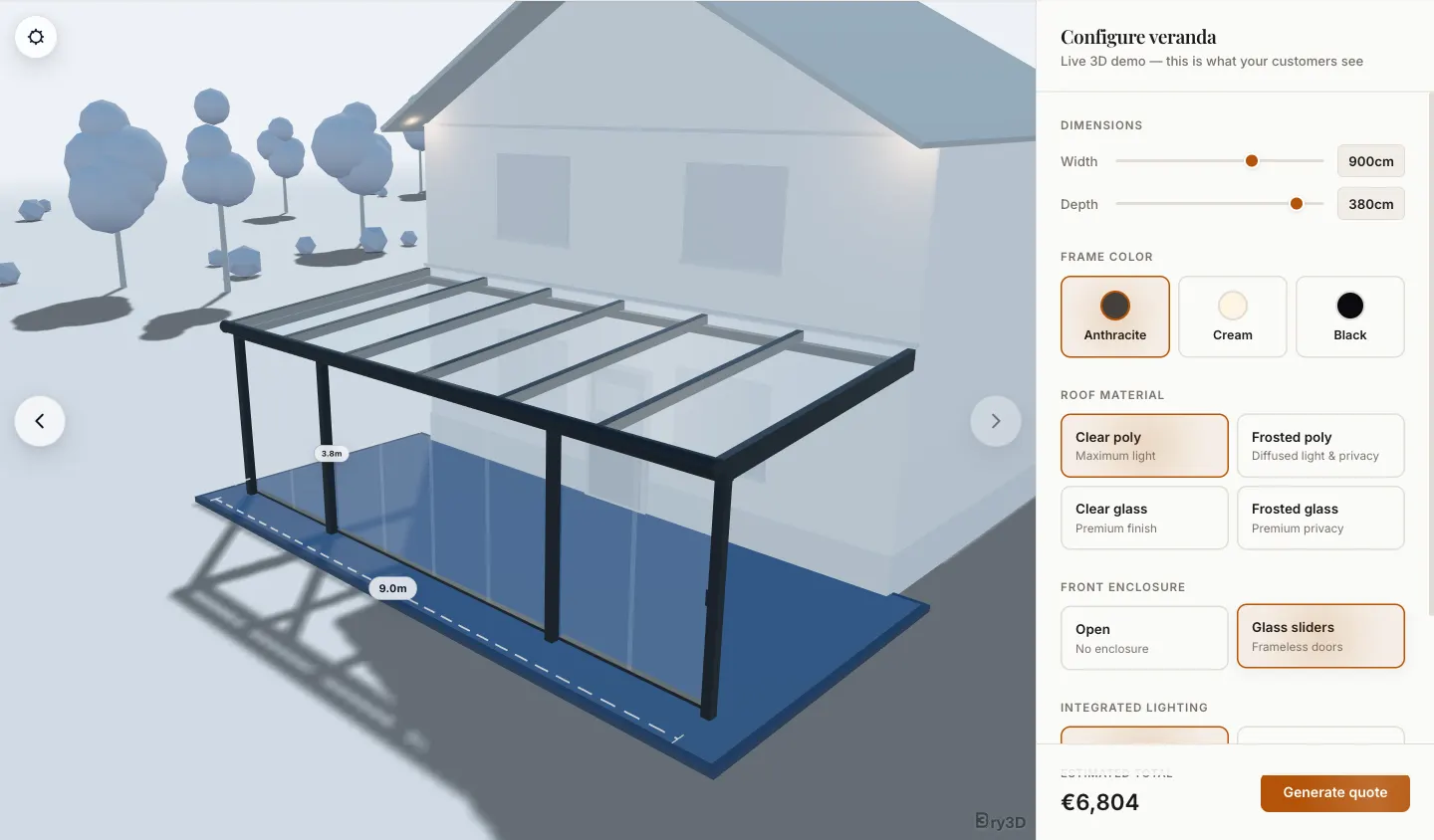
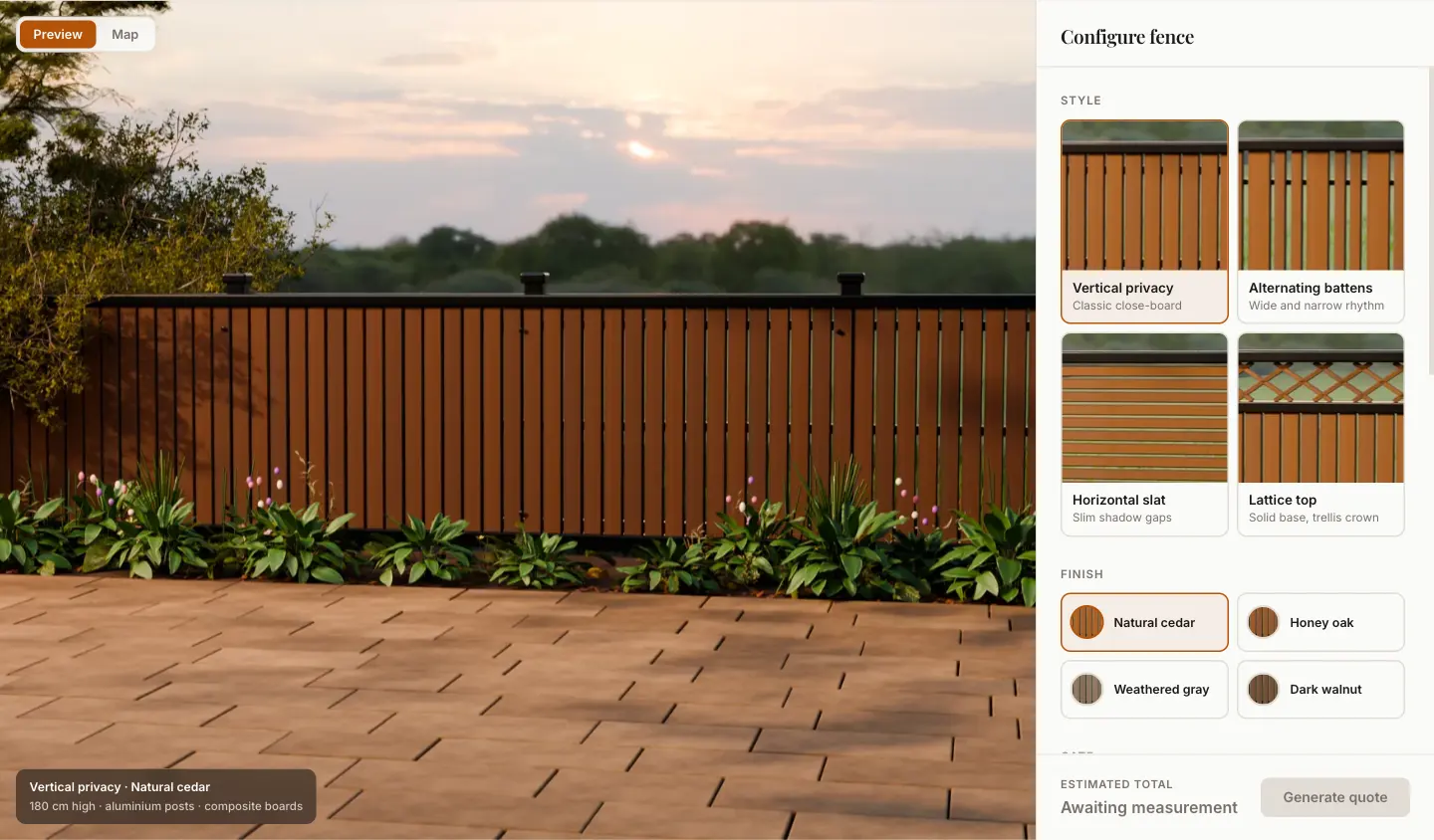
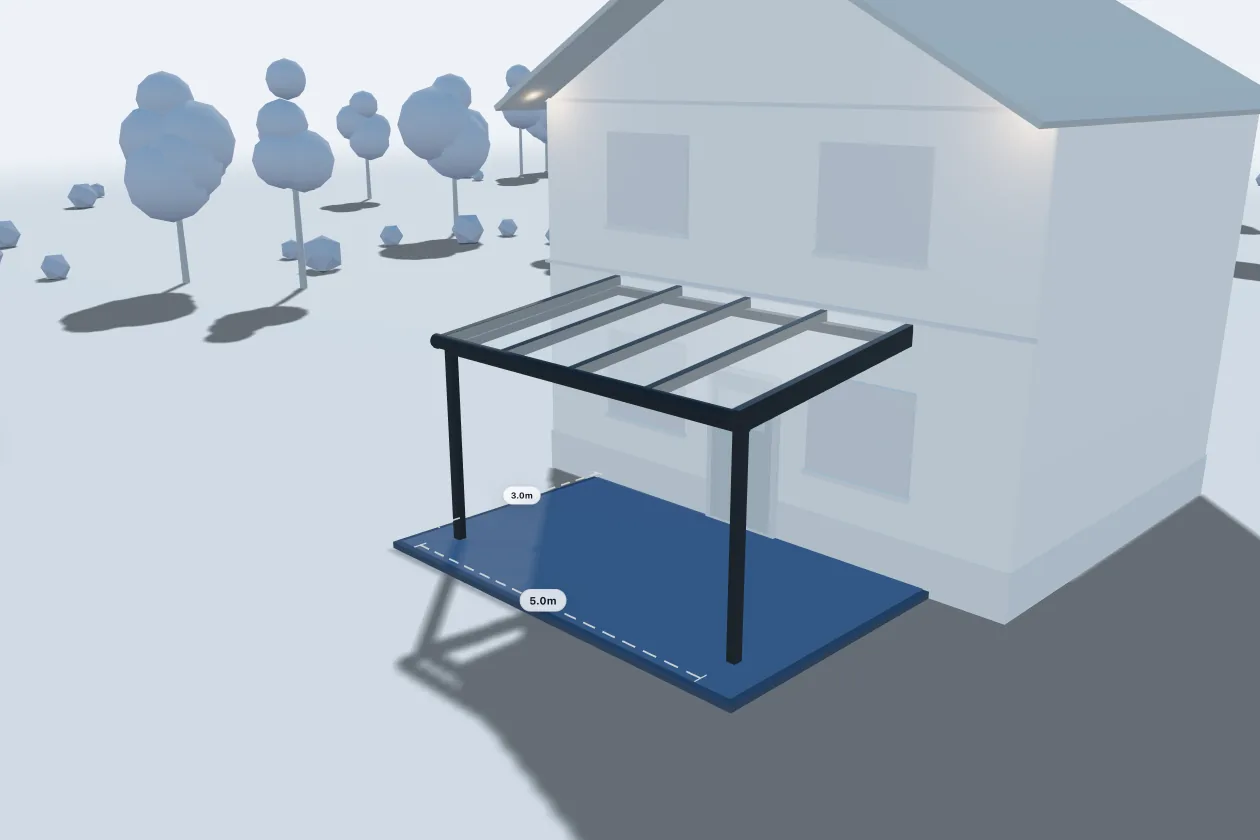
Two working demos, running the same viewer and the same quote flow your customers would use. Change the options and watch the price follow — nothing you do here is stored or sent.
Sales workflow
One record from enquiry to finished job
A request from the configurator becomes a lead in BRY3D. Your team prepares the quote from the same record, then uses that record to manage the customer conversation and the work after the sale.
Quotes built from the configuration
BRY3D turns the selected product options into a branded PDF quote. Change the price or notes and send a new version from the same record.
Configurator enquiries become leads
When someone sends a configuration, BRY3D creates the lead with the contact information and product choices already attached. Nobody has to enter the request again.
A board for every open lead
Move leads across a visual board. Each card goes from New to Qualified, Proposal and Won, and opens to show the 3D configuration that started the conversation.
A job board for work after the sale
After a sale, move the work to the job board, where you can assign tasks and deadlines. The board shows what is done and what still needs attention through completion.
A project page customers can check themselves
Customers can review and sign their quote online, then check the job's current status on the same page. They can see what has been completed and what comes next, from order confirmation to installation. That means fewer status calls for your team.
Automation & AI
Set the follow-up once
BRY3D answers common questions and sends the reminders you choose. It can also follow up on open quotes, while your team can step in whenever a person is needed.
Website and WhatsApp assistant
The assistant uses the product and pricing information you provide to answer questions at any hour. When a prospect is ready to talk, the enquiry enters your pipeline with the conversation and contact information attached.
Automations your team can edit
Build the follow-up as a flow your team can see and change. A flow can act on a new lead or an open quote, then pass the update to another system. You do not need a developer to maintain it.
Enquiry forms for your website
Create an enquiry form and add it to your website. Each submission enters the same pipeline as a 3D configuration, with quote and follow-up automations available.
Platform
The tools around the sale, in BRY3D
Email and appointments stay beside the customer record. The same record holds the sales data your team needs, so everyone can see where a deal stands.
Connections to the tools you already use
Connect the tools you use for email and appointments. Accounting data can move between BRY3D and your accounting system without copying it by hand.
One inbox for customer conversations
Website chat and WhatsApp messages arrive in one inbox. Email is there too. Every conversation stays linked to the lead and its 3D configuration.
Current sales numbers
Check current conversion rates and the value of the pipeline. The dashboard also shows which configurations become orders and where deals stop moving.
Inside BRY3D
The sale stays on one record
The original 3D configuration stays with the lead as it moves through the pipeline. Quotes and conversations are attached, so the next person can pick up the work without hunting through other tabs.
Want to see it with your products?
Tell us how you sell today and we'll show you where BRY3D fits. You can also open either live demo now.